
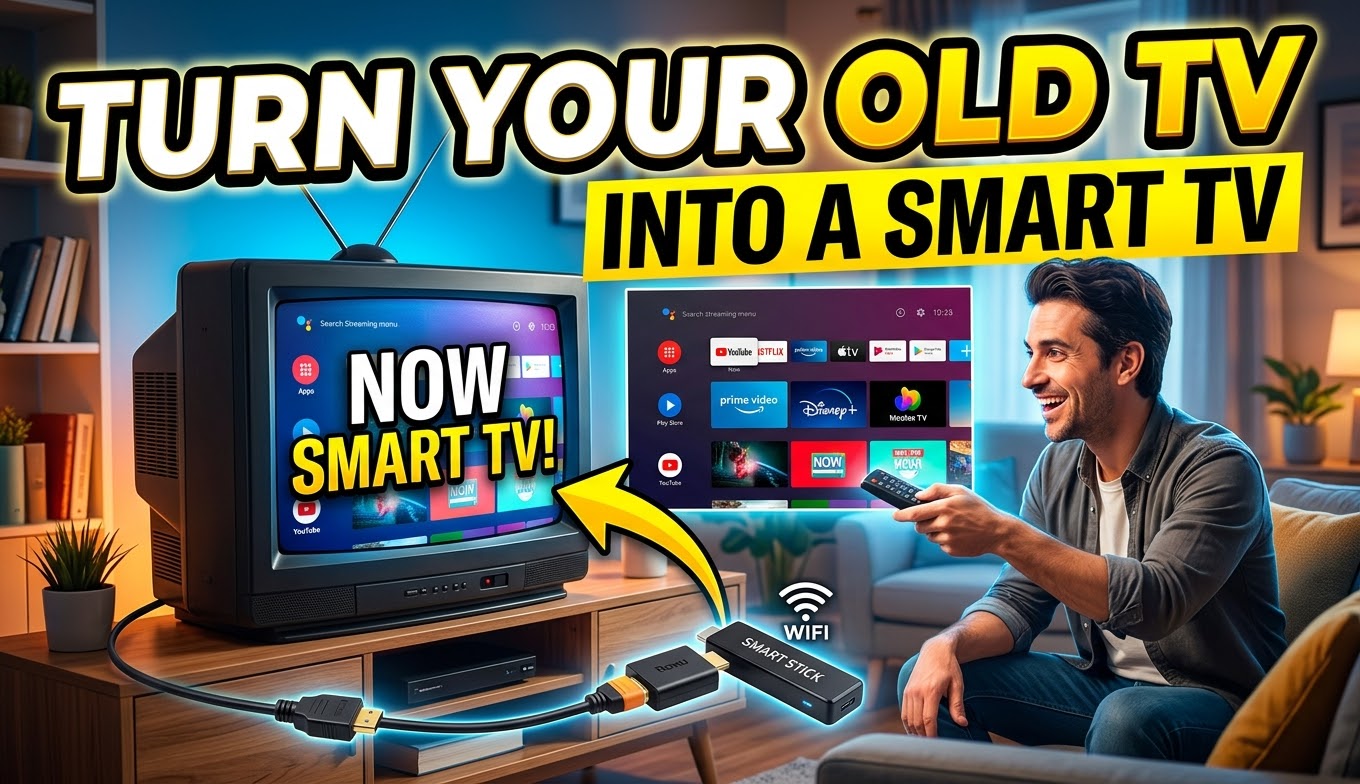
Turn Your Old TV into a Smart TV
Turning your conventional television into a smart TV is a smart way to access a wide range of features and content without having to invest in an expensive new device. With the technological advances available in 2026, this transformation has become more accessible and capable than ever. In this guide, I will explain in detail how you can carry out this conversion in five essential points.
1. The Era of Smart TVs and Their Advantages
Smart TVs have transformed the way we interact with technology and entertainment. They offer complete operating systems and direct access to a wide range of streaming apps, such as Netflix, Max, Disney+, Amazon Prime Video, YouTube, Apple TV+, and many others. However, the cost of a new Smart TV can still be an obstacle for many people, especially if they already own a perfectly functional television at home.
2. Why You Should Consider the Transformation
The advantages of having a Smart TV are clear, particularly when it comes to accessing exclusive content from streaming platforms. With ongoing competition among these services, many high-quality shows, movies, and live events are available only through specific apps. For sports fans and cord-cutters, internet streaming has become the primary way to watch live events in high quality, often surpassing traditional cable or satellite options. In 2026, more content than ever is locked behind streaming apps, making a connected device essential.
3. How to Transform Your TV into a Smart TV
Fortunately, turning your conventional TV into a Smart TV is simpler and more accessible than it seems. The process generally involves using a small device that connects to your television through an HDMI port. This device includes an operating system, a processor, memory, and a smart remote control. Here are some of the strongest options available in 2026:
Google TV Streamer (4K): This is Google’s current flagship device, replacing the older Chromecast with Google TV. It delivers a fast Google TV experience with excellent content discovery, 4K HDR support including Dolby Vision, strong casting features, and smart-home capabilities through Thread and Matter. It typically costs around $99, though it often appears on sale near $75.
Amazon Fire TV Stick 4K Max: A popular alternative that offers strong performance, Wi-Fi 6E, Dolby Vision and Atmos support, and deep integration with Alexa. List prices rose in 2026 (around $85), but promotional prices frequently bring it closer to $50. It remains an excellent choice for users already in the Amazon ecosystem.
Roku Streaming Stick 4K: Roku continues to provide one of the simplest and most neutral interfaces. It supports 4K with Dolby Vision, offers a large selection of apps, and works well for users who prefer a clean experience without heavy promotion of a single company’s content. Street prices often fall in the $40–$60 range despite higher list prices.
Walmart Onn 4K Pro (or similar Google TV devices): These affordable options run full Google TV, support Dolby Vision and Atmos, and usually include solid storage and an Ethernet port. Priced around $50–$60, they deliver strong value for those who want the Google TV interface at a lower cost.
Avoid generic TV boxes: Cheap no-name devices sold in some markets may look attractive on price, but they often lack proper support, rely on unreliable sources, and can pose security risks. Stick with well-known brands that receive regular updates.
4. How the Transformation Works
After choosing the device that best fits your needs and budget, the conversion is relatively simple. Connect the device to your television through the HDMI port, plug in the power (some models can draw power from the TV’s USB port), and follow the on-screen setup instructions. You will need to connect to your Wi-Fi network and sign in to the accounts of the apps you want to use, such as Netflix, Max, Disney+, and others. Most devices also let you control the TV’s power and volume with the included remote, reducing clutter.
5. Saving Money and Enjoying Content
Transforming your TV into a Smart TV remains one of the most economical ways to enjoy exclusive streaming content, live sports, games, and other smart features. It allows you to access the full world of digital entertainment conveniently, without spending a large amount on a new television. You can watch the latest series and films, enjoy high-quality live events, and benefit from voice search and personalized recommendations.
In summary, turning your conventional television into a Smart TV is a practical and accessible solution for making the most of today’s digital entertainment options. With a solid range of devices available in 2026, you can select the one that matches your preferred ecosystem and budget, ensuring you do not miss exclusive streaming content while getting far more from the television you already own. There is no need to buy an expensive new Smart TV when you can make your existing set intelligent with relative ease.
Using Google TV to Centralize Your Streaming
Google TV continues to stand out as an effective way to discover and organize content across multiple streaming platforms. Whether you use the Google TV Streamer or another compatible device, the interface shows personalized recommendations and clearly indicates which services carry a particular title. You can also use the Google TV mobile app as a remote and for easier browsing. Voice search powered by Google Assistant (and increasingly Gemini features) makes finding movies and series quick and convenient.

